
The Jefferson County Court Calendar
Jefferson County calendars are organized by court. County Courts at Law Nos. 1, 2, and 3 post hearing, plea, announcement, trial, initial-appearance, jail-run, motion, and pretrial dockets. District court pages publish daily, regular, revised, civil, family, juvenile, CPS, and trial settings in different combinations. Municipal and justice courts keep separate schedules.
A calendar identifies what is planned. It is not a complete docket history and does not prove the outcome. Check the cause number, court heading, date, time, and setting label, then compare the newest notice or docket entry.
Jefferson District Calendar Patterns
Local court pages reveal distinct rhythms. The 279th District Court lists recurring civil and family work and limits its Tuesday CPS and juvenile docket. The 317th District Court keeps Thursday for juvenile and CPS matters. Its revised August 1, 2025 policy moved setting requests into written or email coordination, requires other counsel or self-represented parties to be copied, and requires a Notice of Court Proceeding for settings.
Those rules affect verification. A request sent to a coordinator is not itself a confirmed setting. Look for the filed notice and the court's response or current calendar.
How to Find Your Court Date
Gather the court name, cause number, party name, and notice. Search the Jefferson County Odyssey portal if your access is approved, the relevant historical index when the filing fits its years, or re:SearchTX for participating-court hearings. Then confirm through the court page or clerk.
- Identify the exact court and case number.
- Open that court's current docket or search the case.
- Read the next setting, not an older event.
- Call the District Clerk at 409-835-8580, County Clerk at 409-835-8475, assigned JP, municipal clerk, or court coordinator.
- Compare counsel's notice, a courthouse or courtroom posting, and any printed docket call.
- Confirm the date, time, room, judge, and appearance method shortly before court.
Jefferson Daily and Trial Dockets
The 60th District Court sample daily docket shows hearing time, case number, case type, filing date, setting type, attorney or representative, and court heading. Its labels include motion to dismiss and status conference. The 58th District Court trial docket carries a docket-call date, case number, trial mode, try-or-dismiss posture, and announcement rules.
The official 58th District Court page is one of the county's calendar entry points.
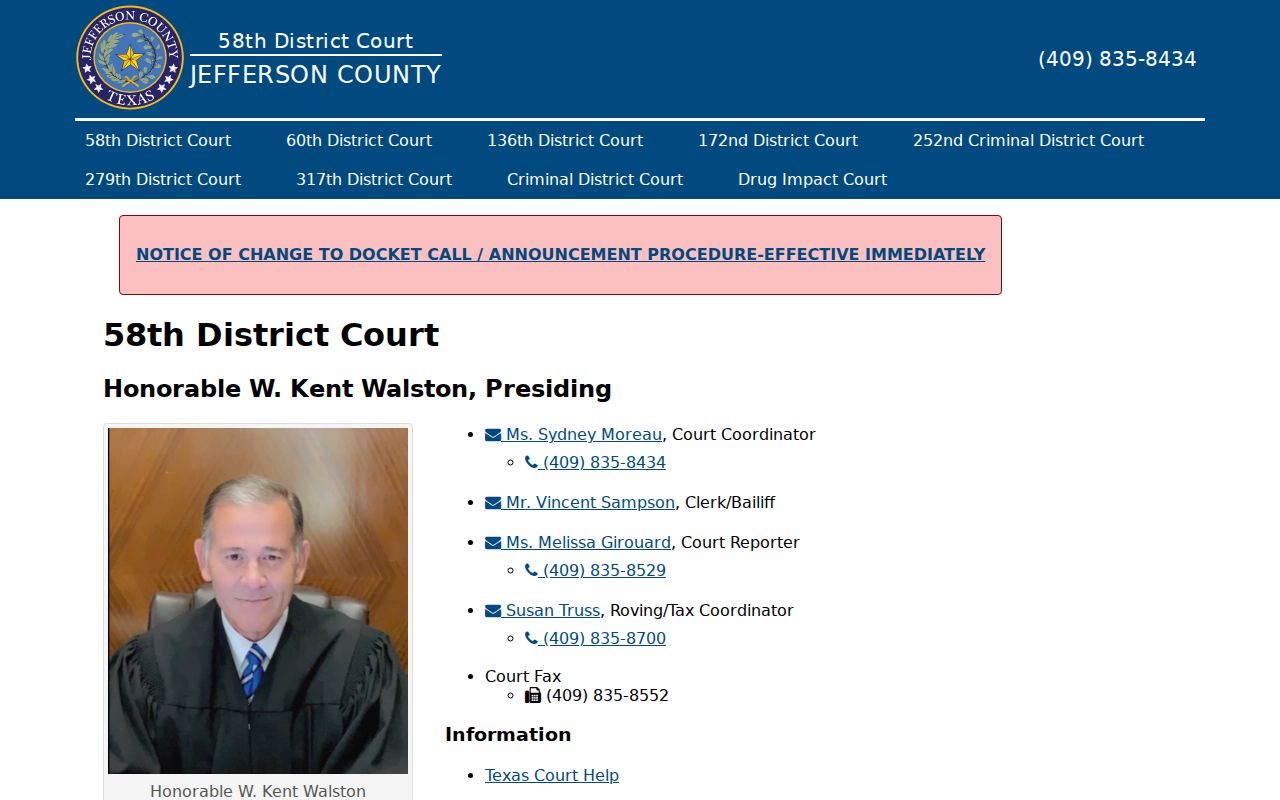
The court page can supply a current docket link, while the clerk's case record confirms later activity.
Reading a Jefferson Court Setting
Read a setting as one scheduled event in a longer case. Match its heading and cause number before focusing on the date. A docket-call time may apply to a group of cases, while another entry may give an individual hearing time. A courtroom assignment can also differ from the clerk's office address.
| Date | The scheduled day, subject to later orders. |
|---|---|
| Time | A docket call or individual hearing time. |
| Courtroom | The assigned room or remote appearance instruction. |
| Judge | The court or judicial officer shown for the setting. |
| Setting type | The event, such as motion, plea, announcement, pretrial, or trial. |
Jefferson Setting Terms in Plain English
Short labels can mislead when taken as outcomes. A plea setting is time reserved for a possible plea. MTRP means motion to revoke probation. A status conference addresses case management. A try-or-dismiss posture signals a court calendar stage, not a signed dismissal.
- Docket call
- A group check of case readiness and scheduling.
- Announcement
- A report on whether a case is ready.
- Reset
- A new date entered for the next setting.
- Continuance
- A requested or ordered delay.
- Disposition
- The recorded result, best confirmed with the signed order.
Note: Always pair a short calendar label with the latest docket entry or order.
Resets, Continuances, and Cancellations
A reset places a new setting on the docket. A continuance may appear first as a motion and later as an order. Until the judge acts, the existing setting may remain in force. A revised PDF can replace an older calendar, and a case can disappear from one list because it moved to another date or setting type.
Check the newest online posting, then call the court coordinator or clerk. Counsel or a self-represented party should retain the filed notice and any signed order. Do not treat silence, an unanswered email, or absence from one downloaded PDF as cancellation.
Jefferson Courtroom and Video Routes
Jefferson County uses both 1085 Pearl Street and 1149 Pearl Street across court and clerk pages. That address split makes the courtroom field important. The county phone directory is the quickest official tool for reconciling a clerk office, coordinator, and court location before travel.
The county also provides public videoconferencing links for listed proceedings, including criminal courts and Drug Impact Court. A stream does not mean every setting is remote. Follow the specific notice. Public observation also does not grant permission to record or rebroadcast the proceeding.
The 136th District Court page is another example of a court-specific setting source.
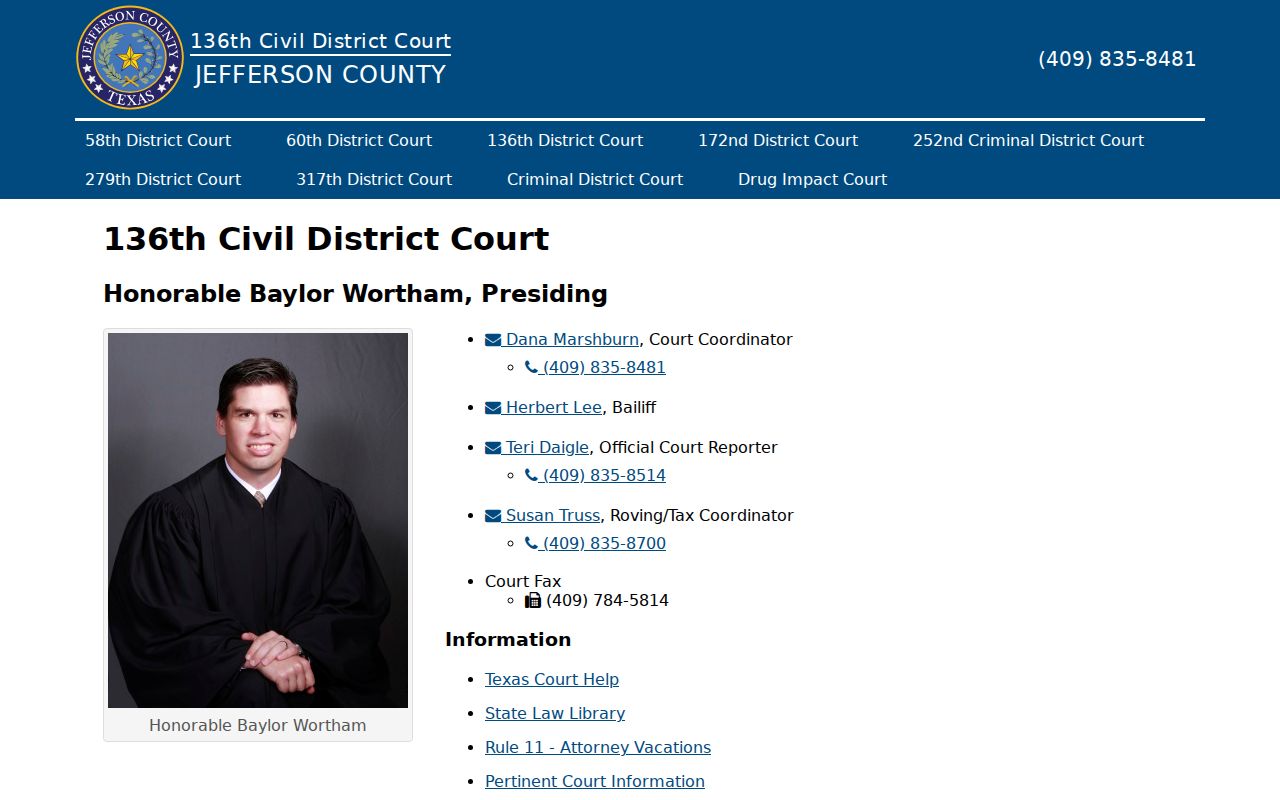
Its court-level information should be checked against the individual notice for the case.
What to Do If You Miss a Setting
Act promptly after a missed Jefferson County setting. Read the current docket, contact counsel if represented, and call the clerk or court coordinator for the assigned court. Ask whether an order, warrant, bond action, default, show-cause setting, or new date has been entered. Do not assume the case was simply reset.
Missed a setting? Consequences can include a failure-to-appear entry, warrant, bond action, default, or loss of an available option.
Contact the responsible Jefferson County court and your lawyer at once, and ask for the current docket status.
Seek advice from a licensed attorney before appearing if a warrant, bond issue, or default may exist.
Jefferson Calendar Confirmation Checklist
A good final check uses more than one source. Compare the filed notice or citation with the live court page. Confirm the cause number and setting label. Then call the named clerk or coordinator if the sources differ. For a district case, the District Clerk can help locate the docket. County-court matters go to the County Clerk, and city or JP matters stay with the issuing court.
Written requests may be routed by mail, email, fax, or a clerk-approved dropbox when available, but those channels should be confirmed for the exact court. A public terminal or counter inquiry can help when account access fails. re:SearchTX is a useful statewide layer, yet Jefferson County participation and current coverage must be tested rather than assumed.
Keep the date and time of the confirmation. Court schedules change, and a saved calendar is only a snapshot. The signed order and newest docket entry control over an old printout.
Jefferson Calendar Court Boundaries
A location in Jefferson County does not identify one calendar. Felony settings may sit in Criminal District Court or the 252nd Criminal District Court. Civil and family settings can appear on the pages for the 58th, 60th, 136th, 172nd, 279th, or 317th District Courts. County misdemeanor and county civil events belong to one of three courts at law, while probate has its own hearing process.
Justice courts and the municipal courts of Beaumont, Port Arthur, Nederland, Groves, and Port Neches maintain separate calendars. A city citation should be checked with the issuing municipal court. A JP case should be checked with its precinct and place. Federal settings use the Eastern District of Texas CM/ECF and PACER systems. Routing by issuing court prevents a valid cause number from being searched in the wrong calendar.